
Appearance
Tour the product
Log Book's page goes from a pattern to its evidence: the dashboard shows where time and failures pile up, every number opens the steps or conversations behind it, and a conversation shows the exact turn where it went wrong.
Spot a pattern on the dashboard
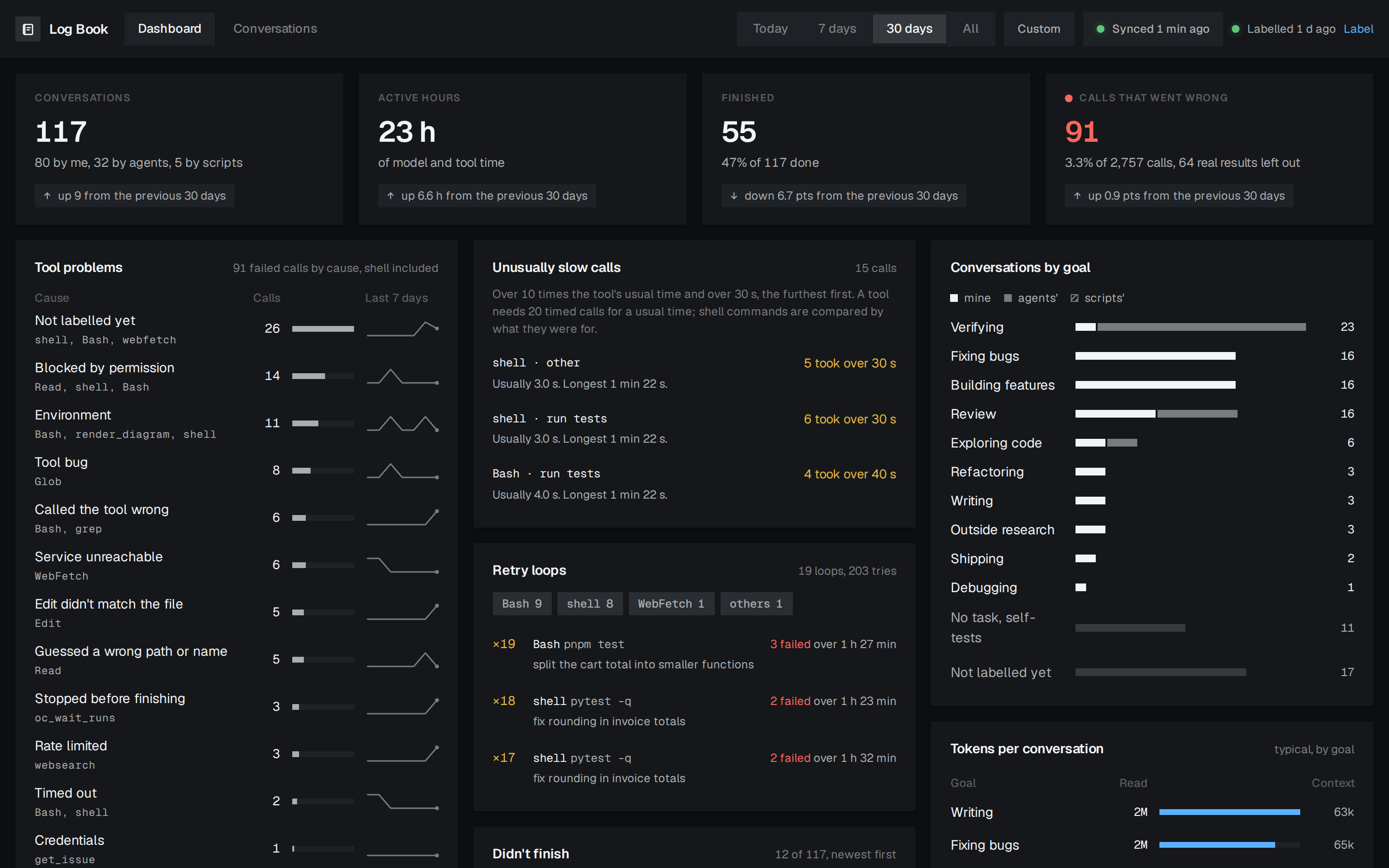
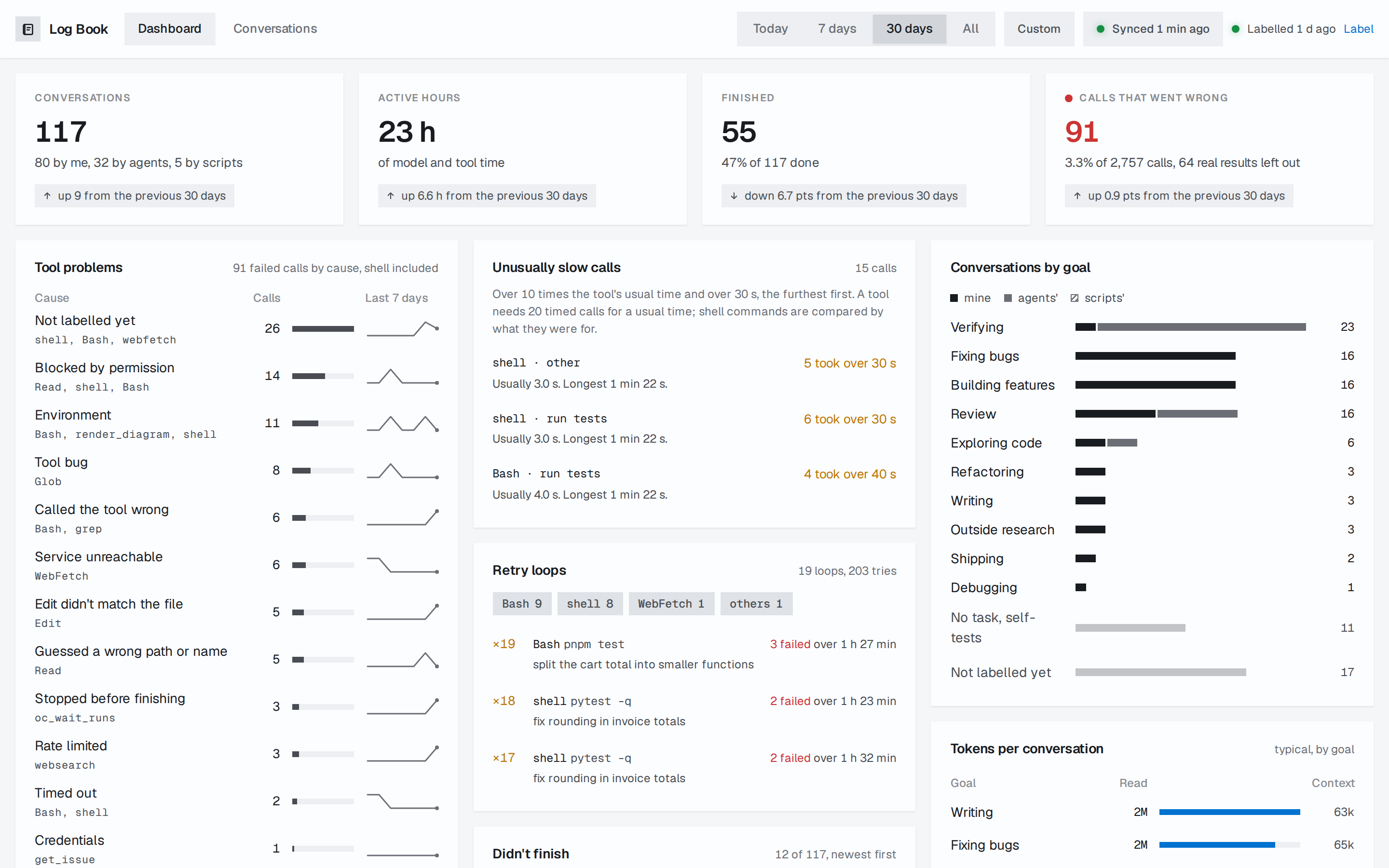
The top bar sets the range every page shows: Today, 7 days (where Log Book starts), 30 days, All, or a Custom span of days. The four figures at the top compare the range with the one before it.
The cards fall into three groups:
- Failures: Tool problems groups failed calls by cause and says when a cause is rising. Unusually slow calls lists calls that took over 10 times their tool's usual time and over 30 seconds, and Retry loops the same call tried again after failing. Calls that went wrong leaves out real results, such as failing tests or a search that found nothing, since the tool did its job.
- Time and context: Time per turn and Time per conversation leave out the time an agent waited on you, so the gap between active and total time is your own. Tokens by tool shows what each tool puts in the context.
- Labelled patterns: Didn't finish, Conversations by goal, Tokens per conversation and the two reaction cards read labels a model writes. Until you label, they say so and the rest of the dashboard works as usual.
Open the evidence behind a number
A number that counts calls opens the steps behind it: a cause in Tool problems its failed steps, a row of Unusually slow calls that tool's slow calls, and Calls that went wrong every failed step.
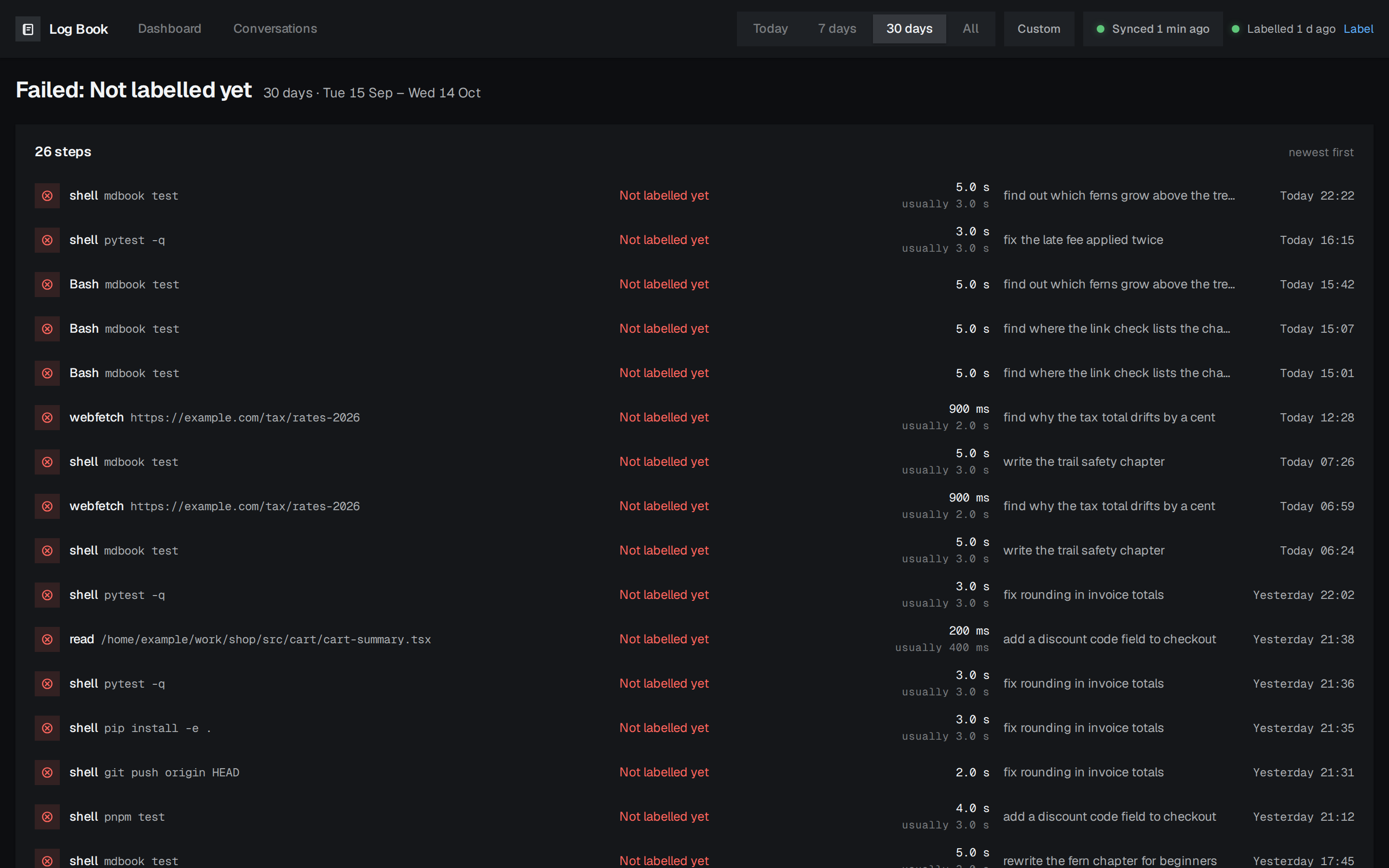
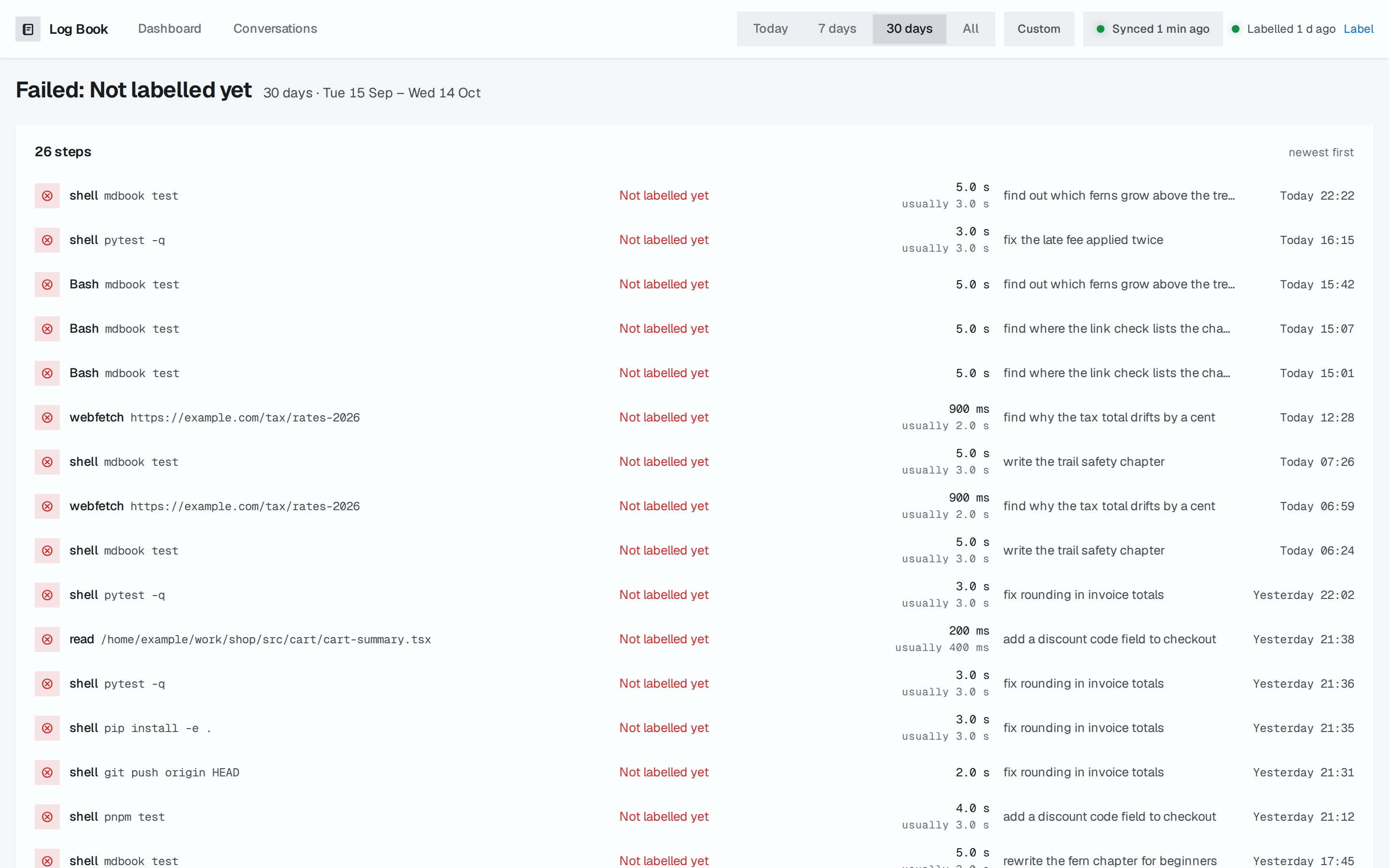
A step opens its conversation at that turn, with the step open in the Turn pane. Numbers that count conversations open the conversation list with its filter filled in, so you can change it from there.
Find a conversation
Conversations lists every conversation in the range, latest message first. Type words to search what was said and the titles, and add fields to narrow it:| Field | Matches | Example |
|---|---|---|
goal: | The goal a model labelled | goal:"fix a bug" |
outcome: | The outcome a model labelled | outcome:done |
by: | Who started it: me, agent or script | by:me |
harness: | The agent tool, claude or opencode | harness:opencode |
agent: | The agent's name | agent:build |
model: | Part of a model's name | model:opus |
project: | The project's directory, or its last part | project:shop |
tool: | A tool it called | tool:Edit |
cause: | The cause of a failed call | cause:"Edit didn't match the file" |
has: | failures, retry, correction or spawned | has:retry |
A value with a space takes quotes, commas give alternatives (outcome:blocked,failed,abandoned), and different fields must all match. To find the bug fixes in one project that hit failures: project:billing goal:"fix a bug" has:failures. The buttons under the filter add the common ones with one click.
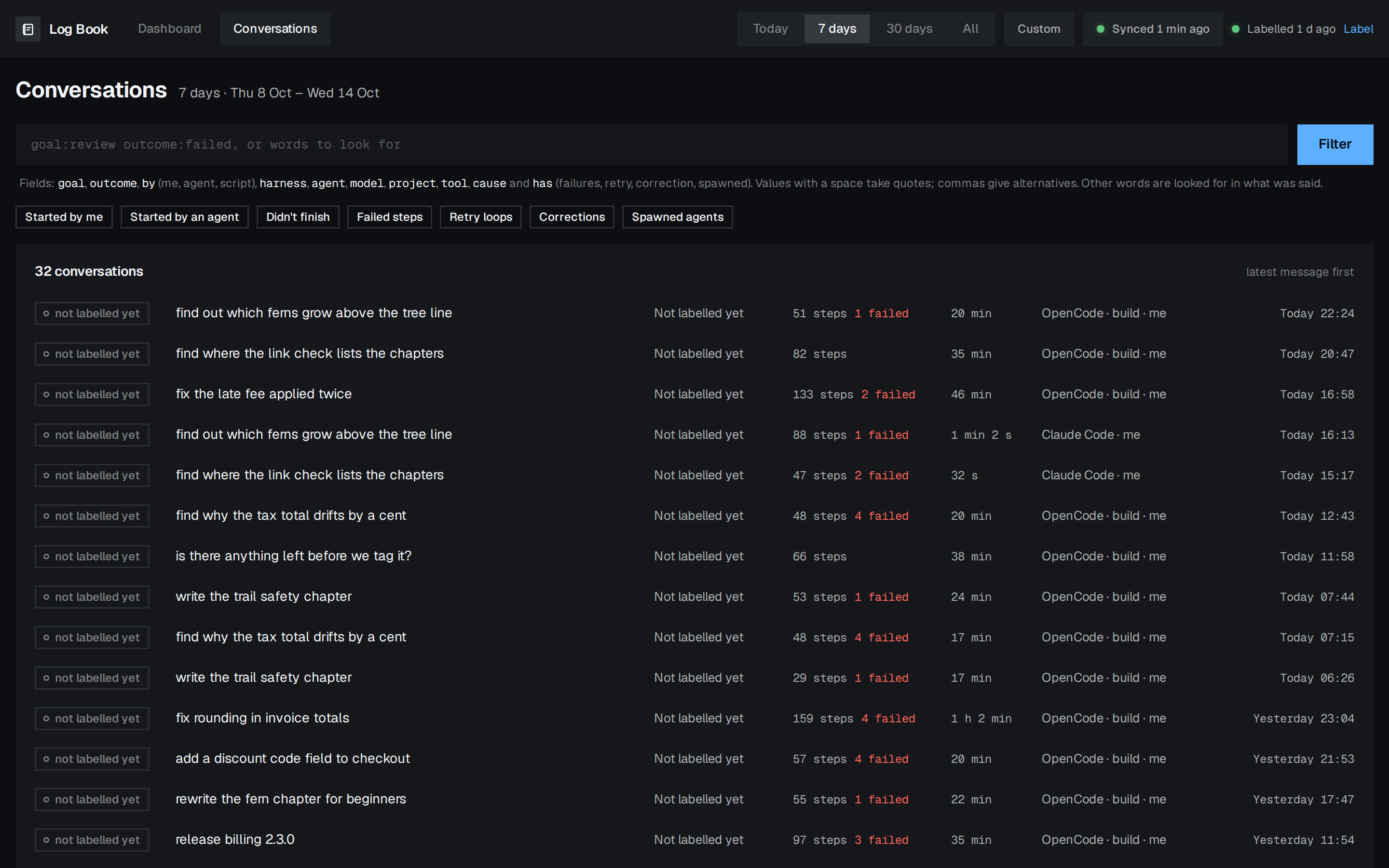
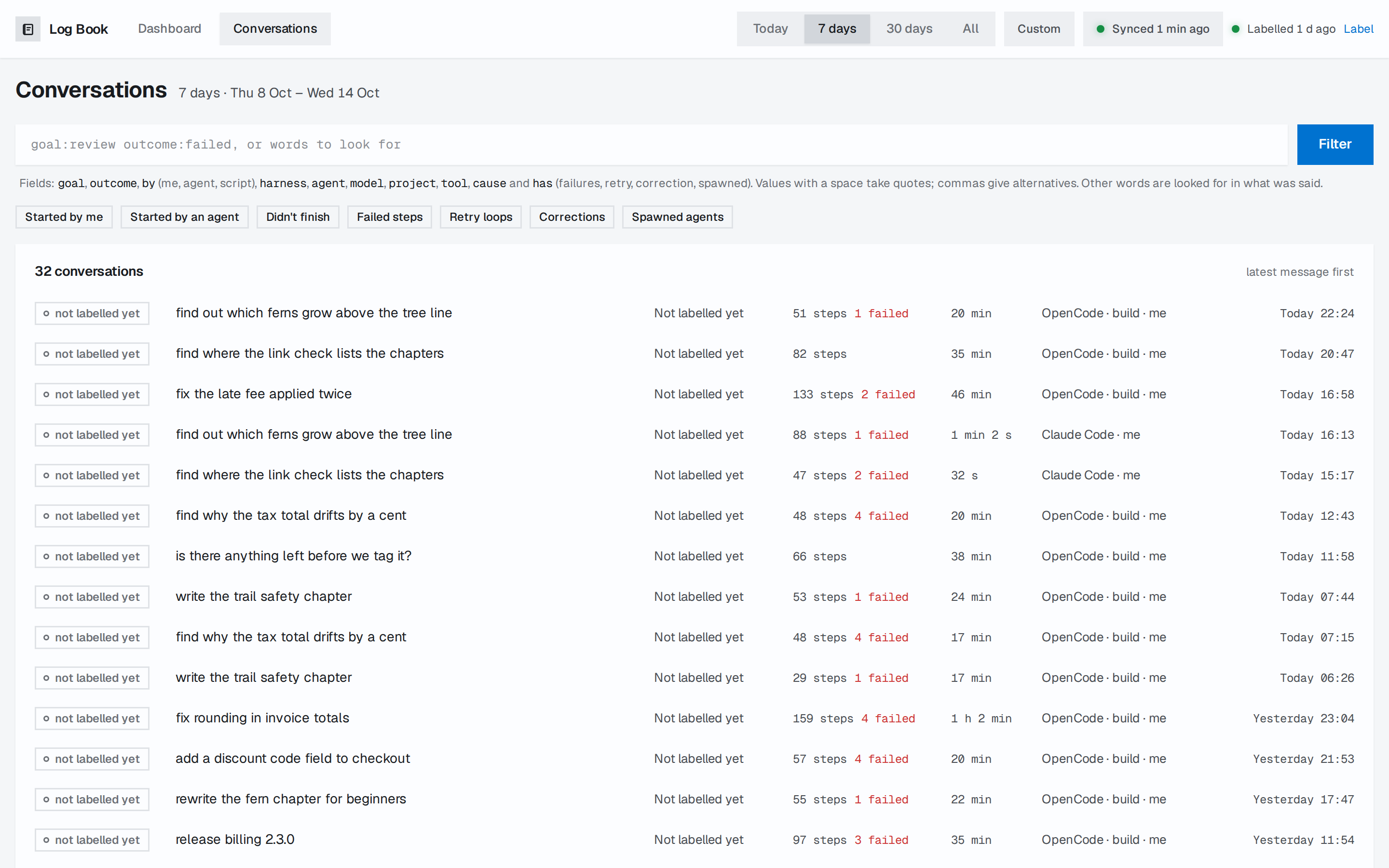
Labels lists every goal and outcome a model chooses from.
Read what happened in one conversation
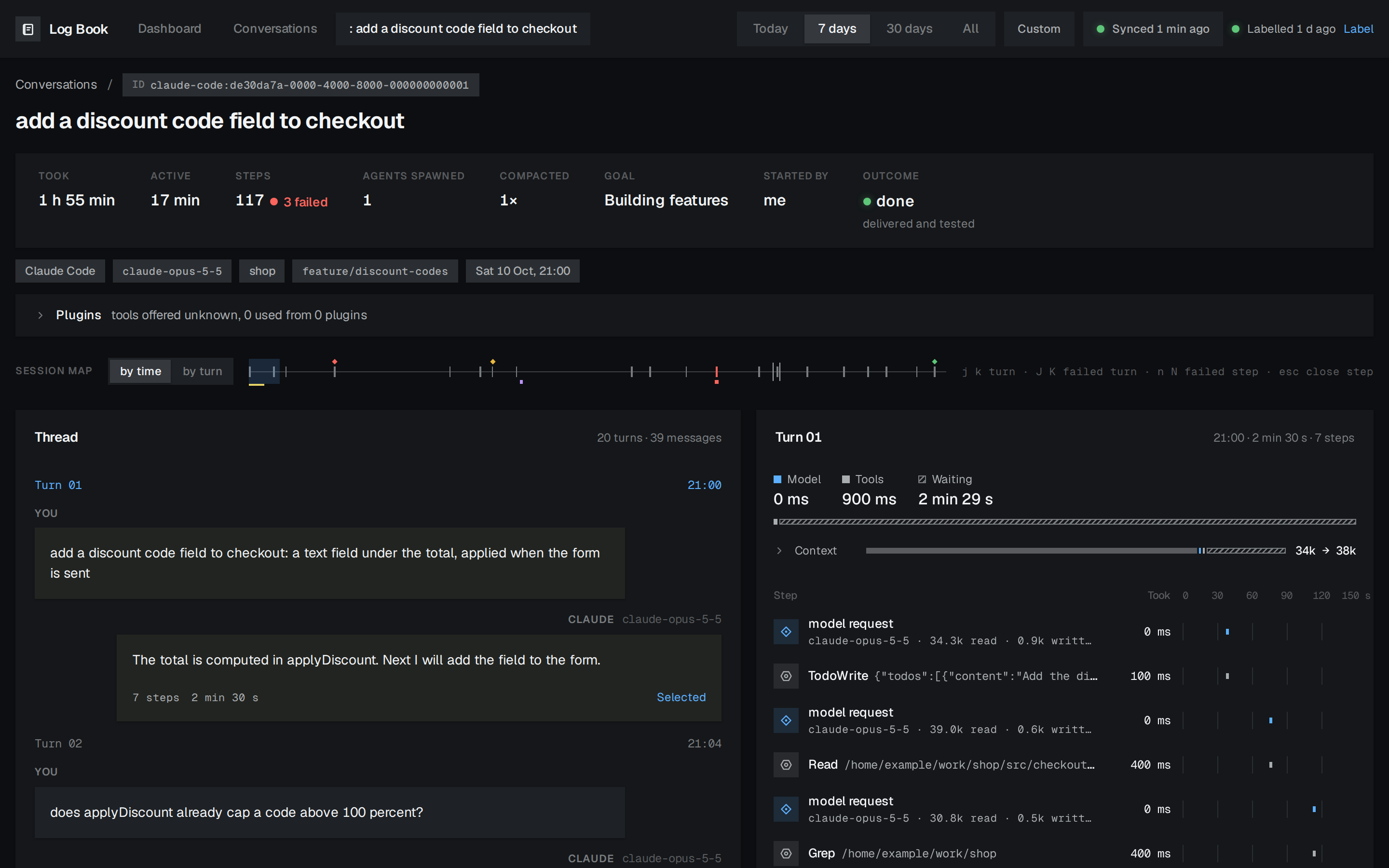
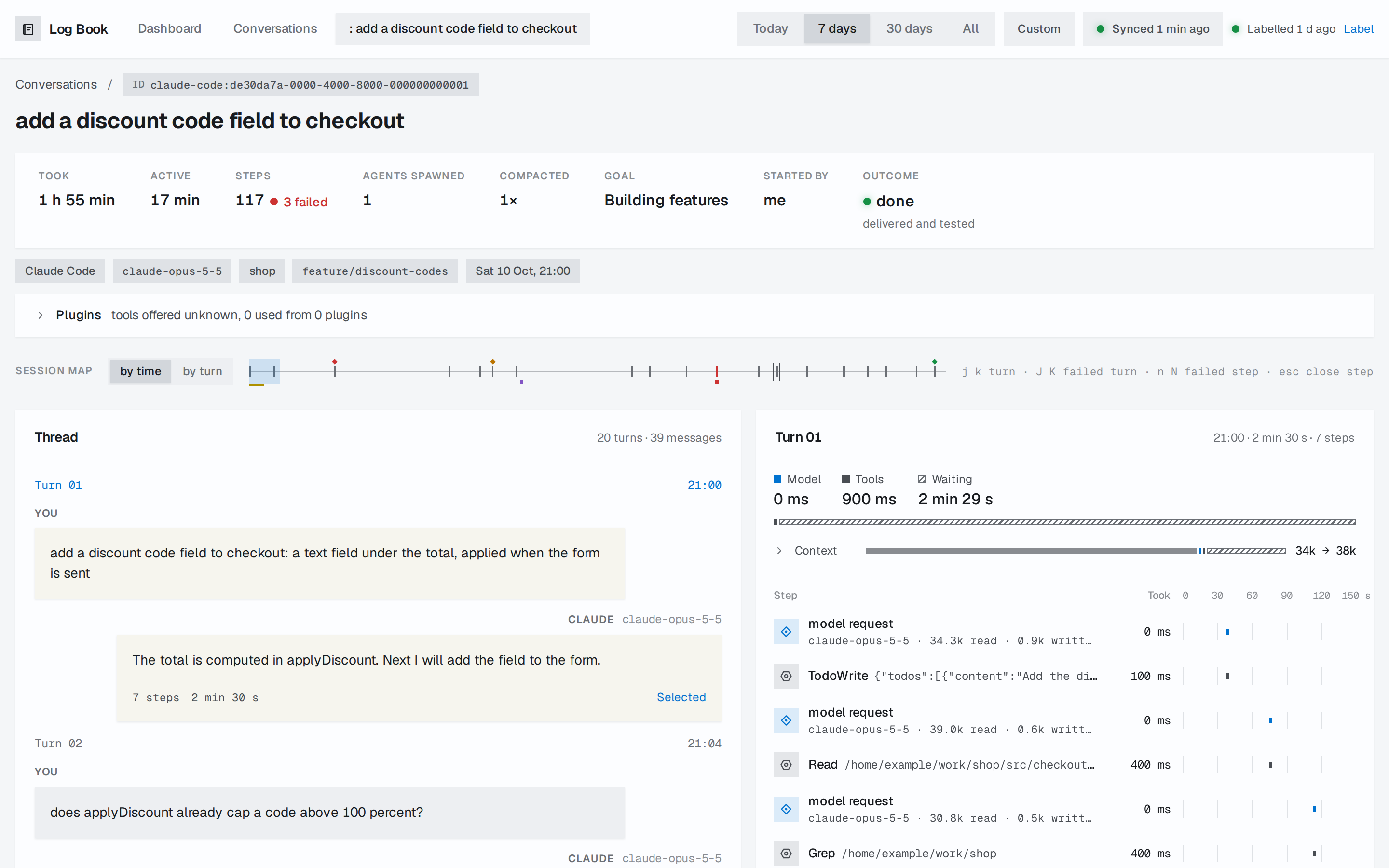
The header separates how long the conversation took from how long the agent was active, and counts its failed steps, the agents it spawned and its compactions. Plugins lists the tools each MCP server or plugin offered, which were used, and what their definitions added to the context.
The Session map draws the whole conversation as one strip, with marks for failed steps, your reactions, compactions and spawned agents, so you can see where to look in a long run. Switch it between by time and by turn, and click or drag on it to jump. Under each prompt, the reactions a model labelled mark how you answered the agent: a correction, pushback, a clarification, a redirect, teaching or praise.
Inspect a turn
The Turn pane splits the turn's time into Model, Tools and Waiting, shows what filled its Context, and lists its steps as a tree. Open a step to see its input and output, how long the tool usually takes, and how many steps like it the range holds.
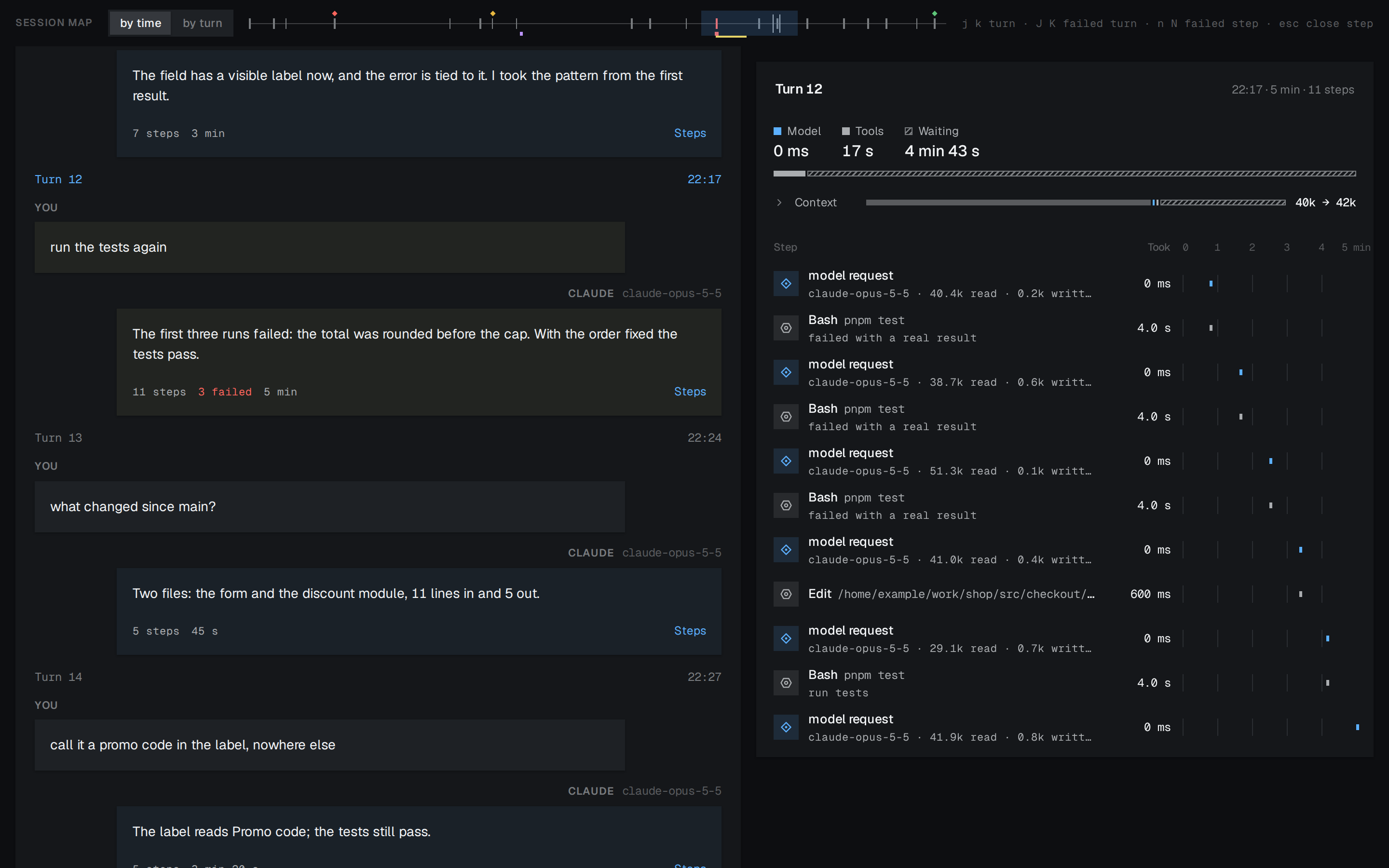
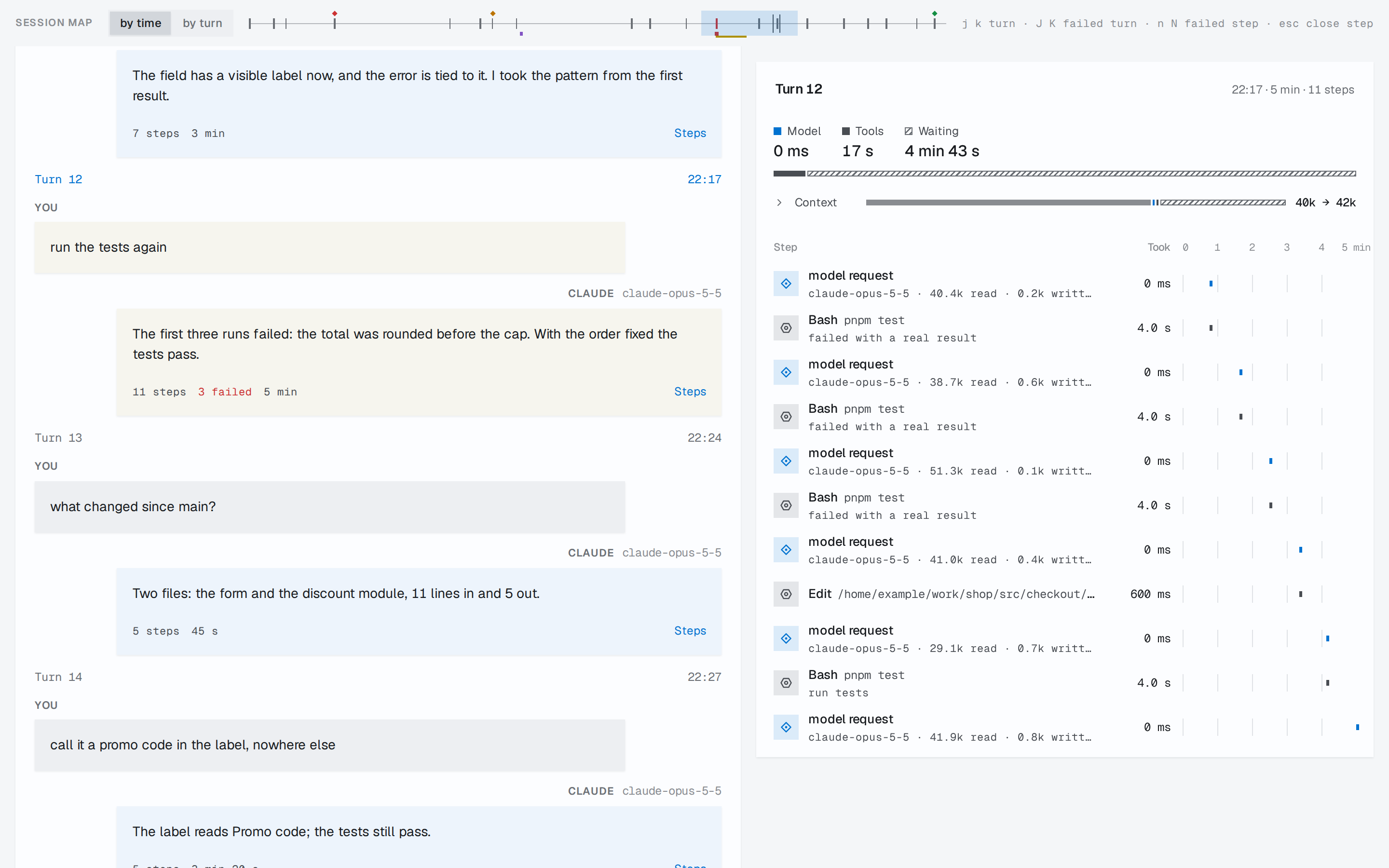
As you scroll, the map and the Turn pane follow the turn you are reading, and the address bar keeps it, so a link you copy reopens that turn.
| Key | Moves to |
|---|---|
j, k | The next or the previous turn |
J, K | The next or the previous turn with a failed step |
n, N | The next or the previous failed step |
gg, G | The first or the last turn |
[, ] | Collapse or expand the spawned agents |
Esc | Close the open step |
See what your tools cost in context
Tokens by tool shows which tools and skills put the most text into your agents' context. The numbers are estimates, at about four characters a token, from the text of each call.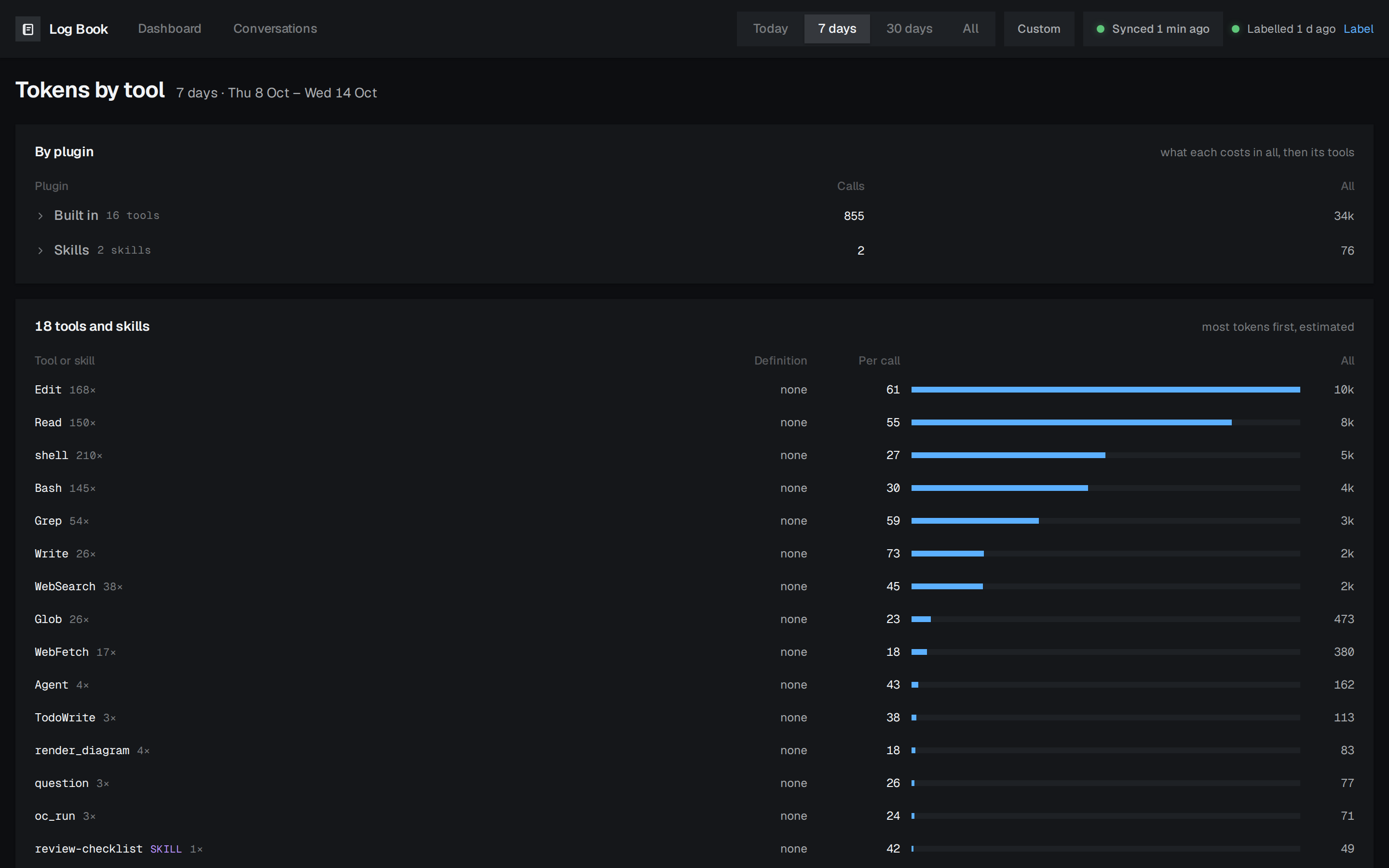
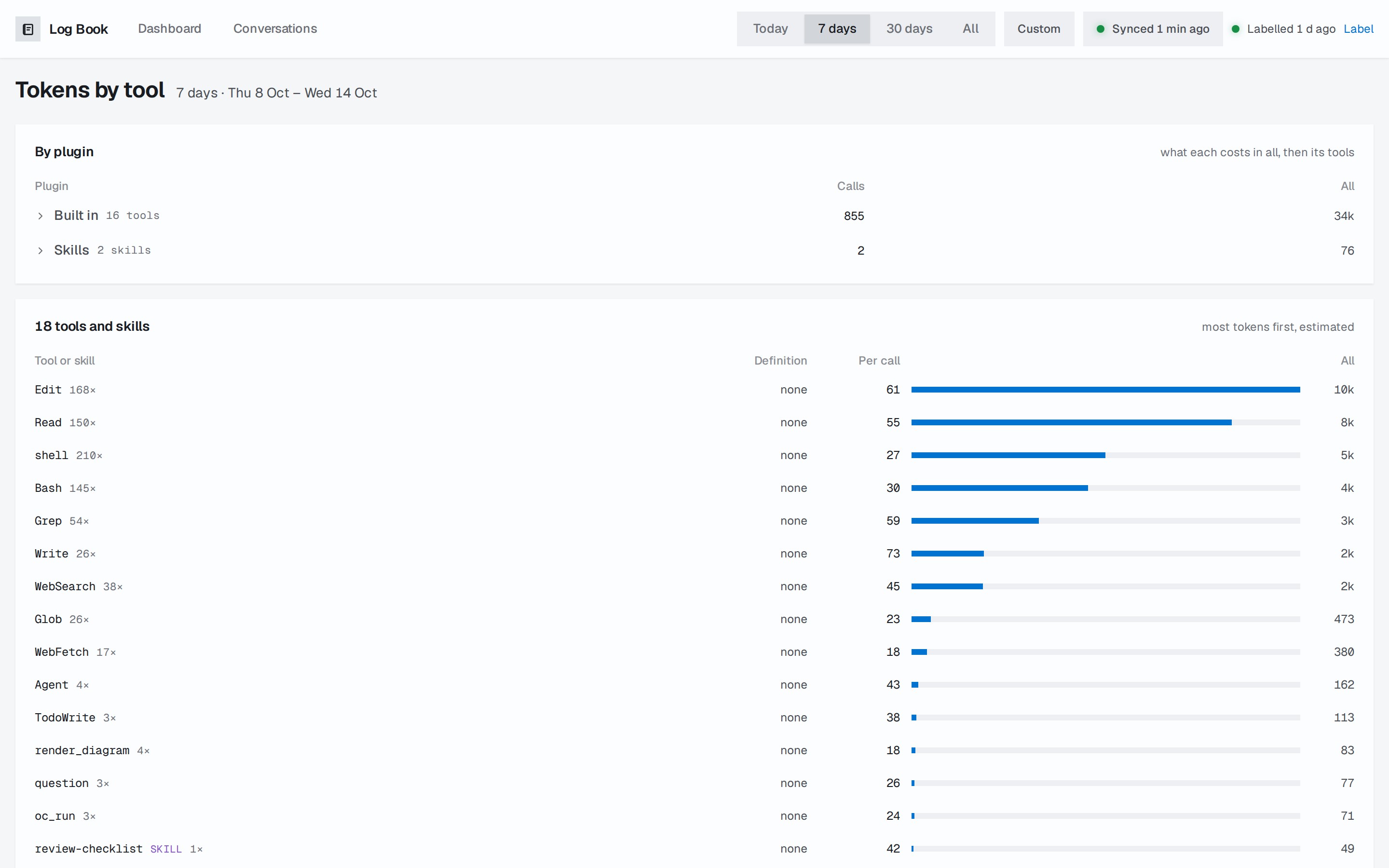
none when no session recorded it.